


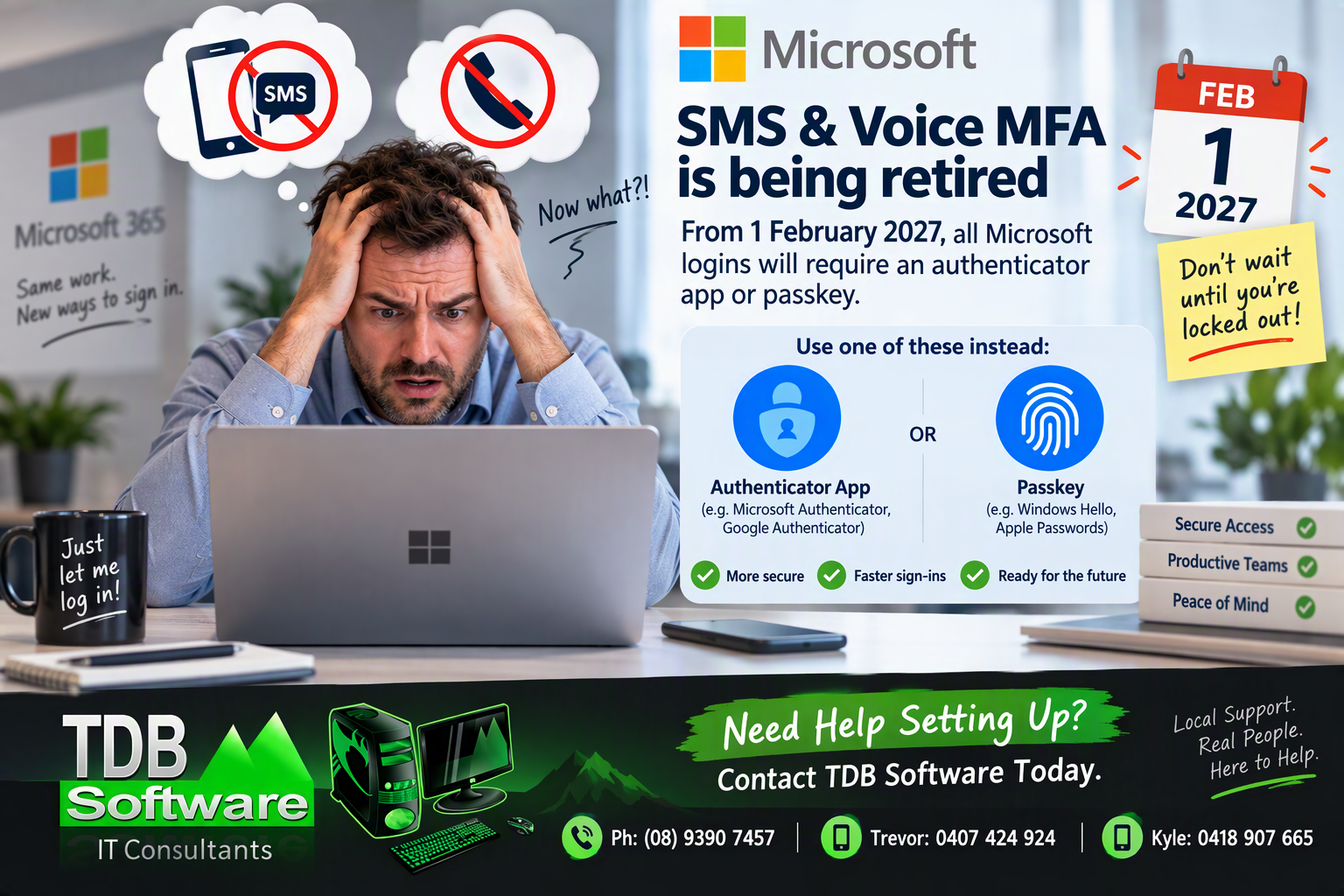
Microsoft has announced that SMS text message verification and voice call authentication will be retired as primary authentication methods, with changes taking effect from 1 February 2027.
This means users who currently rely on receiving a text message or phone call to verify their Microsoft 365 account will need to move to an alternative authentication method such as:
✅ Microsoft Authenticator
✅ Google Authenticator
✅ Passkeys
✅ Windows Hello
✅ Apple Passwords Passkeys
✅ Hardware Security Keys
While existing signed-in devices may continue to work, any new sign-ins, or new devices will require one of these modern authentication methods.
Why This Matters
Many businesses have been using SMS verification for years because it is simple and familiar.
After February 2027, users who have not configured an authenticator app or passkey may experience difficulties accessing:
- Microsoft 365
- Outlook
- OneDrive
- Teams
- SharePoint
- Exchange Online
- Other Microsoft cloud services
Businesses that leave preparation until the last minute may face delays obtaining support as many organisations are likely to be making the transition at the same time.
The Recommended Approach
At TDB Software, our preferred setup for most businesses is:
1. Configure a Passkey
Where possible, configure a passkey linked to:
- Windows Hello on Windows 11 devices
- Apple Passwords on iPhone, iPad, or Mac
This provides a fast and secure login experience with no SMS messages required.
2. Configure an Authenticator App
We also recommend configuring an authenticator app as a backup method.
Examples include:
- Microsoft Authenticator
- Google Authenticator
Having a backup authentication method can make account recovery and new device setup significantly easier.
Common Mistakes to Avoid
❌ Waiting until authentication problems occur
❌ Removing existing authentication methods before testing new ones
❌ Storing recovery information in only one location
❌ Having only one staff member with access to shared accounts
❌ Not documenting authentication methods for business-critical accounts
Can I Set This Up Myself?
Yes.
Microsoft provides a Security Information portal where users can add and manage authentication methods:
However, if multiple staff members require assistance, or if your organisation uses shared mailboxes and multiple Microsoft accounts, professional assistance may make the transition smoother.
Need Help?
TDB Software can assist with:
- Microsoft Authenticator setup
- Google Authenticator setup
- Windows Hello Passkeys
- Apple Passkeys
- Multi-user Microsoft 365 environments
- Shared account authentication planning
- Staff onboarding and training
Contact TDB Software
📞 Office: (08) 9390 7457
📱 Trevor: 0407 424 924
📱 Kyle: 0418 907 665
Final Recommendation
Although the February 2027 deadline may seem a long way off, we recommend making the change sooner rather than later. A short setup session today can help prevent account access issues when Microsoft finally retires SMS and voice-based authentication.
Don’t wait until you’re locked out. Plan your transition now.
